.
.ACTS Online allows you to check the status of an application you submitted. To search for an application that you submitted
1. Log on to the ACTS Online System using your user account name and password that you used when you initially filled out the application.
2. Click on .
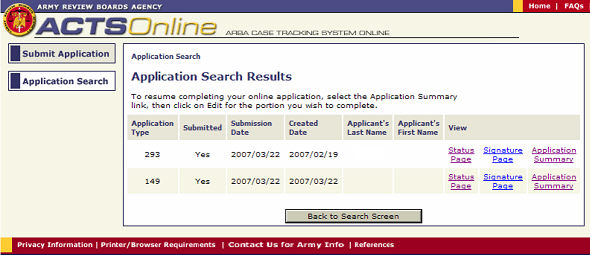
3. A list of applications will be displayed as depicted below
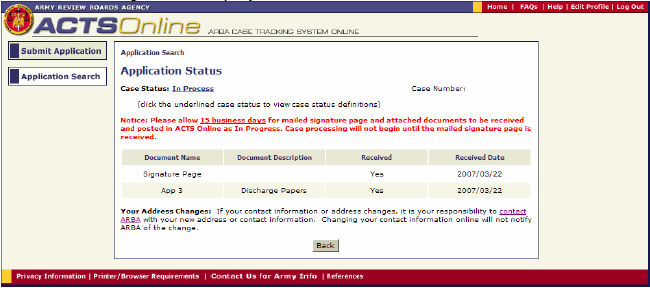
4. Locate the application and click on the Status Page Link for the application and the following will be displayed.